
Mister Locator vs Prompt Builder
Side-by-side comparison to help you choose the right AI tool.

Mister Locator
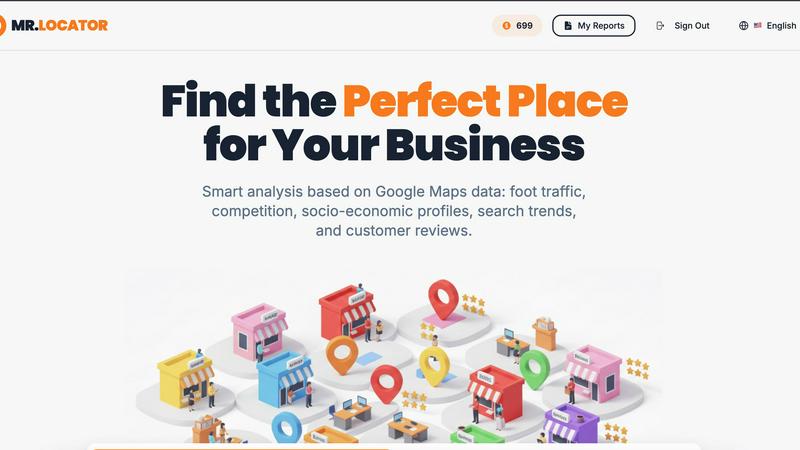
Mister Locator leverages AI to pinpoint optimal business locations, reducing risks and uncovering hidden opportunities.
Last updated: February 28, 2026

Prompt Builder
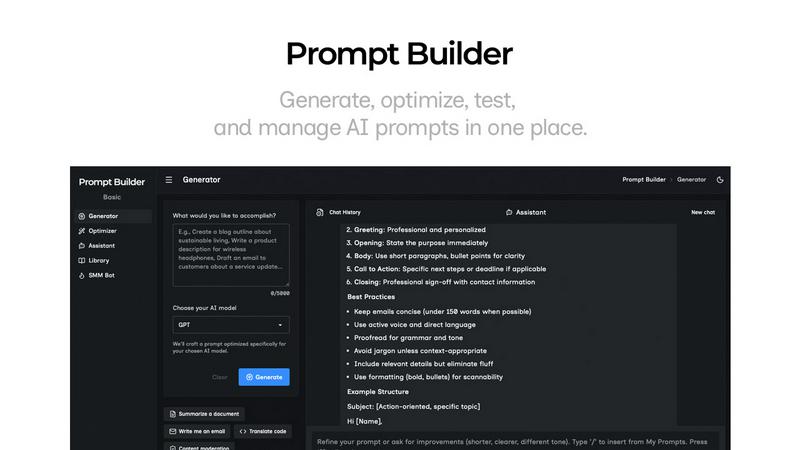
Generate, optimize, test, and manage AI prompts in one place. Turn an idea into a ready-to-use prompt in seconds.
Visual Comparison
Mister Locator
Prompt Builder
Overview
About Mister Locator
Mister Locator is an innovative application tailored for entrepreneurs seeking to identify optimal locations for their businesses. It tackles a critical challenge in the entrepreneurial landscape: the high risk of failure attributed to poor location choices. By harnessing extensive data from Google Maps, Mister Locator provides users with vital insights into foot traffic, local spending power, and market competition. This tool is indispensable for anyone looking to establish a local business, whether it’s a café, gym, or yoga studio. Users simply input their desired business type and budget, and in return, they receive a comprehensive report highlighting the best potential locations. Mister Locator equips entrepreneurs with the necessary information to avoid costly mistakes and make informed decisions, paving the way for successful ventures in competitive local markets.
About Prompt Builder
Prompt Builder is a prompt engineering workspace for writing, testing, and saving prompts. Describe the task in plain English, and it helps you create a prompt that matches the model you choose. Start with a draft, refine it in chat, save or pin versions, then run them when you are ready. It works with GPT, Claude, Gemini, Llama, Mistral, DeepSeek, Grok, Perplexity, and more. You also get an Optimizer, an assistant for quick tests, and a library of reusable prompts and templates from the community. Turn an idea into a ready-to-use prompt in seconds. Refine it in chat, save it to your Library, and run it anytime.