
Alternatives to Sprite-AI
Explore the best alternatives and competitors to Sprite-AI.
Explore 20 alternatives to Sprite-AI. Compare features, pricing, and find the best fit for your needs.

Qwen Image 2.1
Qwen Image 2.1 is an AI image-generation and editing studio for turning ideas into visuals. Create new images, refine references, explore transparent

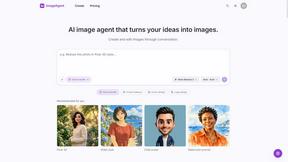
ImageAgent
Create and edit AI images through conversation, using text or reference images and refining results in chat.
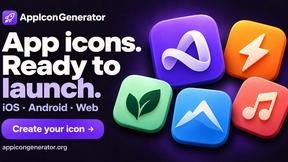
AppIconGenerator
Generate iOS and Android app icons from any image and export all platform sizes for free.
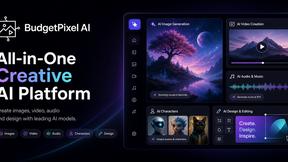
Budgetpixel AI
Create AI images, videos, music, and designs in one workspace with multiple models, powerful editing tools, and API access.
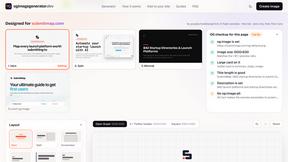
ogimagegenerator.dev
Paste a URL and AI designs on-brand Open Graph images from your page's colours, fonts and logo. Free, no sign-up.
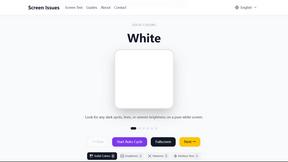
Screen Issues
Free Online Screen Test Tool - Instantly diagnose dead pixels, lines, color issues, and flickering. Multiple test modes, no download needed.
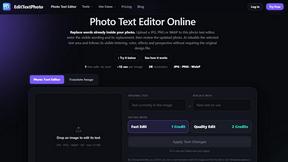
EditTextPhoto
AI-powered image text editor to edit, replace, fix, or translate text in images while preserving the original font, color, size, and style.
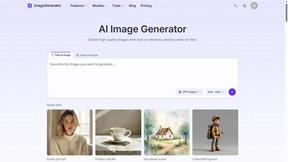
ImageGenerator
Create and edit AI images online with multiple models, text-to-image, image-to-image, background removal, and upscaling.

Capafy AI
Agent Skills marketplace: discover expert AI agents, run them online, or publish a Skill and earn from every sale.


Presentation Intelligence
AI-native presentation and visual content platform that turns prompts, documents, images, videos, and data into polished, shareable decks.
Magic Eraser
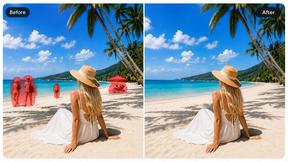
AI photo editor for removing objects and backgrounds, enhancing images, and creating visuals across web and mobile.



IsThisAIImage
Free AI image checker: upload a photo for AI-generated and deepfake scores, a clear verdict, and optional generator hints.
Merge Two Photos
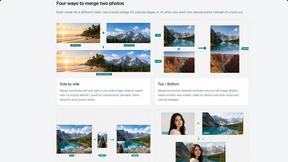
Merge two photos free in your browser: side by side, stacked, overlay, or AI. Download a clean PNG, no watermark.
About Sprite-AI Alternatives
Sprite-AI is an AI-driven pixel art generator that fits into the broader category of design tools, specifically tailored for game development asset creation. It allows users to describe a sprite in plain English and instantly receive a clean, game-ready pixel art image in standard sizes like 32x32, 64x64, or 128x128 pixels, suitable for roles such as icons, items, characters, or heroes. While its speed and simplicity are major draws, users often look for alternatives due to token-based pricing models that can become costly for heavy users, a desire for more control over the AI’s style output, or the need for platform-specific integrations that Sprite-AI might not fully support. When evaluating other options, it is crucial to consider the balance between automation and manual editing capabilities, the flexibility of export formats and sizes, the transparency of pricing structures, and whether the tool offers a community or learning resources to help refine your prompt engineering skills. Choosing the right alternative hinges on your specific workflow and budget constraints. For a solo hobbyist, a tool with a generous free tier or a one-time purchase might be more appealing than a token system. For a professional studio, you should prioritize tools that offer batch processing, higher resolution outputs, and seamless integration with engines like Unity or Godot. Additionally, look for solutions that provide a robust pixel editor alongside generation, as the ability to fine-tune every pixel is essential for maintaining a unique artistic vision. Ultimately, the best alternative will offer a frictionless path from concept to a transparent PNG that drops directly into your game engine, without locking you into a costly or restrictive payment model.
FAQs about Sprite-AI Alternatives
What is Sprite-AI?
Sprite-AI is an AI-powered pixel art generator designed to help indie game developers, hobbyists, and prototypers create 2D assets quickly. By describing a sprite in plain English, the app produces clean, game-ready pixel art images in standard sizes such as 32x32, 64x64, or 128x128 pixels. It is optimized for creating icons, items, characters, and hero or boss art, and includes a built-in pixel editor for fine-tuning every detail.
Who is Sprite-AI for?
Sprite-AI is built for indie game developers, hobbyists, and prototypers who need to generate 2D assets rapidly without having to draw from scratch. It is especially useful for those working with engines like Unity, Godot, GameMaker, or Unreal, as the generated sprites can be exported as transparent PNGs. The tool also serves creators who want to experiment with prompt-based generation and refine their results using a pixel editor.
What are the main features of Sprite-AI?
Sprite-AI’s core feature is its ability to generate pixel art from text prompts, producing images in 32x32, 64x64, or 128x128 sizes for various game roles. It includes a built-in pixel editor with tools for painting, erasing, filling, and color-picking to allow manual refinement. Additionally, the platform offers a community gallery, prompt guides, and a token-based pricing model where users only pay for the sprites they generate.
Is Sprite-AI free?
Sprite-AI operates on a token-based pricing model rather than being a free tool. This means users purchase tokens and only pay for the sprites they generate, making it a pay-as-you-go service. While there may be limited free trials or introductory tokens, the platform is designed for users who want to control their costs by paying for exactly the number of assets they need.