
Alternatives to EditTextImage
Explore the best alternatives and competitors to EditTextImage.
Explore 20 alternatives to EditTextImage. Compare features, pricing, and find the best fit for your needs.

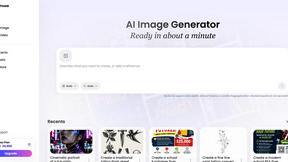
Vismuse
Create polished AI images and videos from prompts or references for social posts, ads, flyers, album covers, and campaigns.
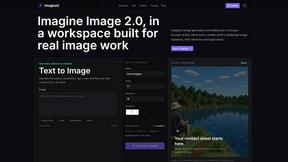
Imagine2
Private browser-based AI image generation and editing with text-to-image, targeted edits, and multi-image references.

Kogashitsuka AI
An online AI image tool that enhances photos and illustrations at their original size or upscales them by 2x or 4x.

UGCad AI
AI UGC video ad Generator which Turn a URL, prompt, or template into a ready video ads
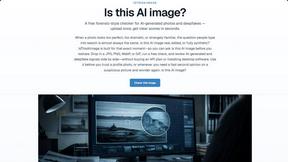
IsThisAIImage
Free AI image checker: upload a photo for AI-generated and deepfake scores, a clear verdict, and optional generator hints.
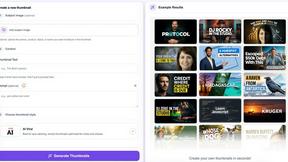
StopScroll
StopScroll is an AI thumbnail maker that generates YouTube thumbnail concepts from a URL, title, or prompt.
HubVanta AI
HubVanta AI helps creators generate images and videos with advanced AI tools for visual content workflows.
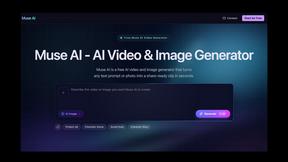
Muse AI
Muse AI turns text or photos into share-ready clips and images in seconds, with character consistency and clear in-frame text, completely free.
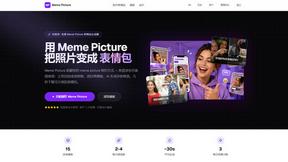
Meme Picture
Meme Picture uses AI to turn selfies and pet photos into classic memes in seconds, with free daily generations and no login required.
Anime Maker
Anime Maker transforms text, photos, or ideas into high-quality anime images, characters, and short videos using AI.

ComicsMaker
ComicsMaker turns your plain text scene into a structured comic draft, letting you plan beats, generate panels, and add dialogue right in your.

HiAPI
HiAPI unifies image, video, and audio generation with persistent storage and callbacks through a single production-grade API.
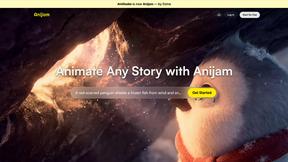
Anijam.ai
Anijam.ai empowers creators to effortlessly animate stories with AI-driven character design, lip-syncing, and a diverse style library.
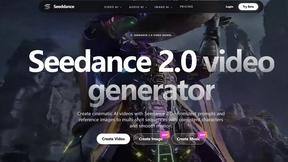
Seeddance
Seedance unifies AI video, image, and audio generation into one creative suite with cinematic motion and viral-ready effects.

VideoAny
VideoAny is a video-first AI studio replacing your creative stack with uncensored tools for generating cinematic video, high-fidelity images, and.
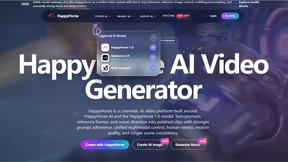
HappyHorse
HappyHorse is a cutting-edge AI platform that transforms text and images into stunning cinematic videos with realistic human motion and audio.
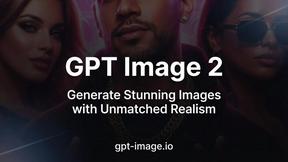
GPT Image 2
GPT Image 2 is a free AI image generator that creates photorealistic images with unmatched realism and razor-sharp text.
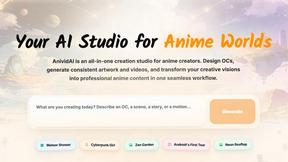
AnividAI
AnividAI is your ultimate studio for creating stunning anime art, videos, and characters effortlessly in one seamless platform.
UndressMe AI
UndressMe AI instantly transforms photos into realistic nude images and animated videos, offering a private and immersive adult experience.
About EditTextImage Alternatives
EditTextImage belongs to the category of AI-powered image generation and editing tools, specifically focusing on text replacement within existing visuals without requiring the original design files or any installed fonts. It sits at the intersection of graphic design utilities and generative AI, offering a streamlined solution for professionals who need to make surgical edits to text in images. Users commonly look for alternatives due to a variety of reasons including budget constraints, the need for a higher volume of edits than the one-time 30-edit package offers, platform compatibility issues (such as needing a mobile app rather than a web-based tool), or the desire for more advanced retouching features beyond just text replacement. Others may seek a free or subscription-based model that better aligns with their ongoing workflow, or they might require integration with specific design suites like Adobe Photoshop or Canva. When evaluating an alternative, you should prioritize tools that deliver true pixel-perfect typography matching, including the ability to sample fonts, colors, shadows, and perspective directly from the source image without requiring manual adjustments. Consider the output resolution and speed—many users need 2K or higher results in under a minute to maintain professional standards. Pricing structure is equally critical; look for transparent, one-time payment options or affordable subscriptions that offer a generous number of edits per month, and always check for a free trial or a no-credit-card-required first use to test accuracy. Finally, assess the platform’s security protocols, especially if you are handling sensitive product screenshots or branded materials, and confirm that the tool supports the image formats and file sizes you typically work with.
FAQs about EditTextImage Alternatives
What is EditTextImage?
EditTextImage is an AI-powered online tool that allows you to edit text in any image without needing Photoshop, font files, or a subscription. It works by sampling the typography directly from the pixels of the uploaded image, so the font, color, drop shadow, and perspective are all preserved pixel-perfect. The process takes roughly 10 seconds and outputs the edited image at 2K resolution, making it ideal for quick fixes on finished posters, screenshots, or product photos.
Who is EditTextImage for?
EditTextImage is designed for anyone who needs to change text in a completed image but no longer has access to the original design file. This includes marketers fixing typos on ads, social media managers swapping dates or headlines, e-commerce sellers updating product photos, and designers making last-minute edits on posters. It is equally useful for non-designers who want a simple, no-learning-curve solution for text replacement without installing complex software.
Is EditTextImage free?
EditTextImage offers a free first edit with no credit card required, allowing you to test the quality and speed of the tool. After that, it operates on a one-time payment model of $9.90 for 30 edits, with no recurring subscription fees. This makes it a cost-effective alternative to monthly subscriptions like Canva or Adobe Creative Cloud for users who only need occasional text edits.
What are the main features of EditTextImage?
The core feature of EditTextImage is AI-driven text replacement that preserves the original font, color, layout, and visual effects like drop shadows and perspective directly from the image pixels. It supports paid fonts and hand-lettering that you do not have installed on your device. The tool delivers results in approximately 10 seconds at 2K resolution, and requires no Photoshop skills, font downloads, or ongoing subscriptions, offering a straightforward upload-and-edit workflow.