
Patrivox vs Playwriter
Side-by-side comparison to help you choose the right AI tool.

Patrivox
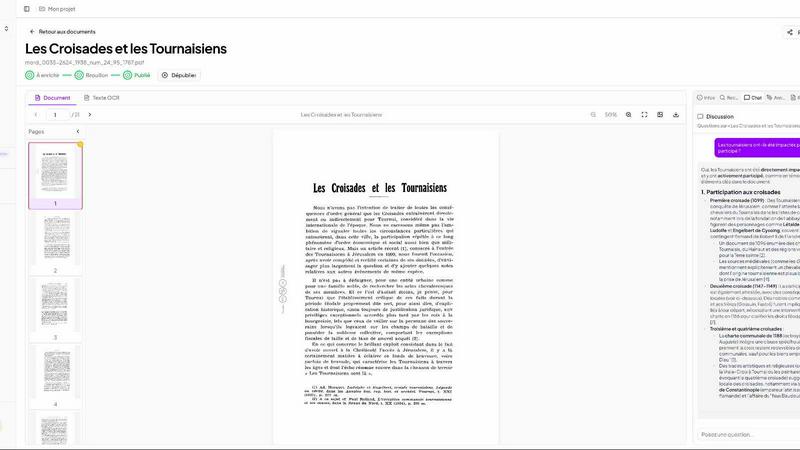
Patrivox uses AI to instantly digitize, search, and uncover connections within your document archives.
Last updated: March 4, 2026

Visual Comparison
Patrivox
Playwriter

Overview
About Patrivox
Patrivox emerges as a pivotal European SaaS platform, specifically engineered to liberate the latent knowledge trapped within physical and digital archives. It serves a critical need for heritage institutions, municipal archives, historical societies, and similar organizations burdened with vast collections of scanned documents that are, in practice, nearly impossible to search or analyze comprehensively. The platform's core function is to transform these static PDFs into a dynamic, intelligent, and fully searchable knowledge base. By leveraging cutting-edge Mistral AI for next-generation OCR and entity recognition, Patrivox automates the arduous tasks of text extraction and metadata enrichment. Its true innovation lies not just in making text searchable, but in constructing an interactive knowledge graph that visually maps connections between people, places, and organizations across the entire collection. This transforms archival research from a manual scavenger hunt into an intuitive process of discovery. The value proposition is multifaceted: it democratizes access to historical knowledge, dramatically accelerates research, preserves institutional memory, and fulfills public service mandates by making heritage accessible to all, not just specialist archivists.
About Playwriter
AI agents cannot browse the web properly. They either have no browser access, or they get a fresh Chrome with no logins, no extensions, and instant bot detection. Playwriter gives them your actual browser session instead. One Chrome extension, full automation API, everything you are already logged into. Includes accessibility snapshots (5-20KB instead of 100KB+ screenshots), a debugger with breakpoints, live code editing, network interception, and video recording. Works with any MCP client: Cursor, Claude, VS Code, and more. Open source, MIT licensed.