
PhotoFuse vs RemoveTexts
Side-by-side comparison to help you choose the right AI tool.

PhotoFuse
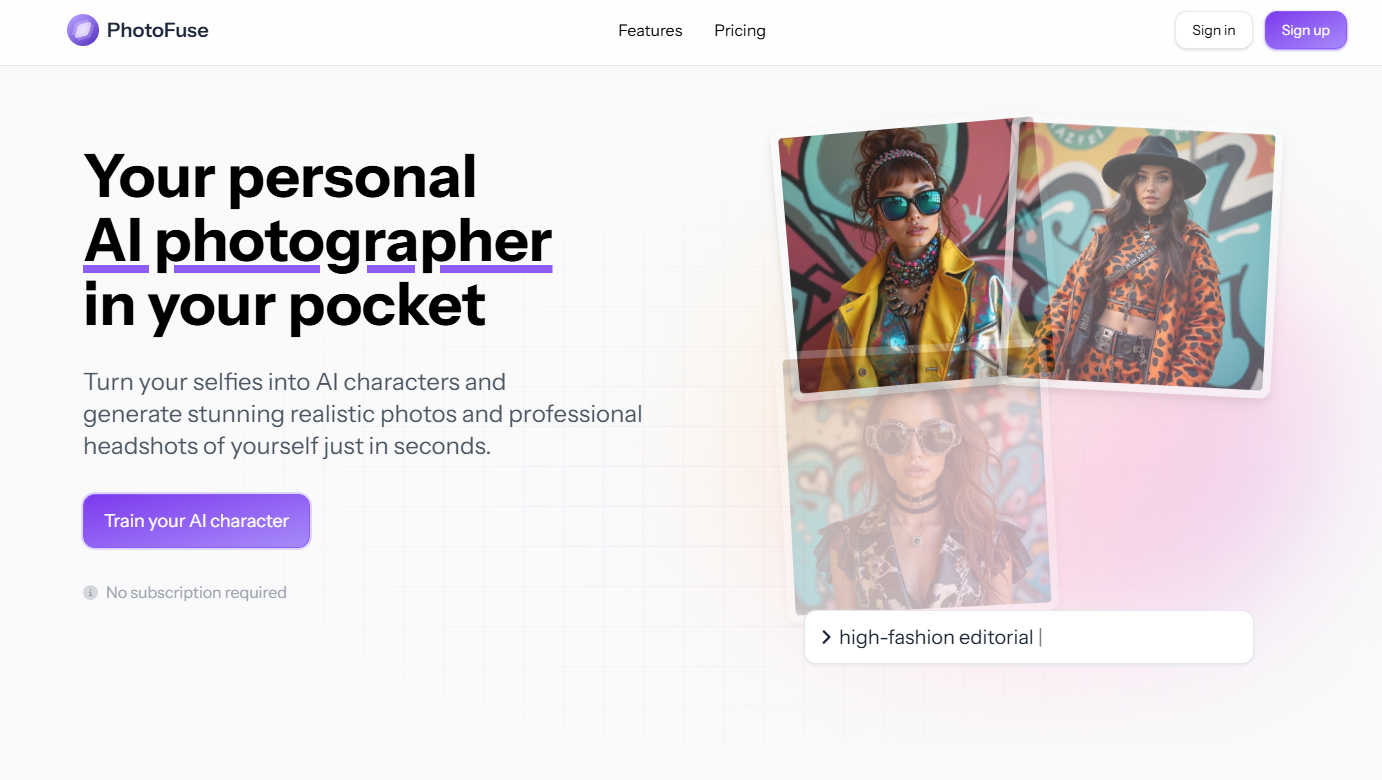
PhotoFuse instantly transforms your selfies into professional AI headshots and avatars.
Last updated: March 1, 2026

RemoveTexts
RemoveTexts is an AI tool that effortlessly removes text and watermarks from images in seconds, making editing simple for everyone.
Last updated: March 11, 2026
Visual Comparison
PhotoFuse
RemoveTexts

Feature Comparison
PhotoFuse
AI Character Training
This foundational feature allows users to create a personalized AI model by uploading 10-15 photos of themselves or another subject. The system analyzes these images to learn the subject's unique facial features, bone structure, and expressions. This trained "AI character" then serves as the consistent base for all subsequent image generations, ensuring that every produced headshot or creative portrait maintains a true-to-life resemblance without the need for repetitive manual input or complex descriptive prompts.
Template-Driven Playground
PhotoFuse eliminates the guesswork of AI image generation through its extensive library of pre-designed templates. Users can browse and select from a continuously curated gallery of scenes, styles, and concepts. Alternatively, the intuitive manual playground interface allows for granular customization, letting users mix and match elements like backgrounds, expressions, and accessories without any technical knowledge, making creative exploration both simple and efficient.
Professional Headshot Customization Suite
Tailored specifically for professional needs, this feature provides precise control over every element of a corporate headshot. Users can select from a range of professional backgrounds (solid colors, office settings), fine-tune facial expressions (from confident neutrals to approachable smiles), experiment with different hairstyles, and choose attire and accessories like blazers, glasses, or jewelry. This enables the creation of a portfolio of on-brand, industry-appropriate headshots in minutes.
Flexible Credit System & Commercial Rights
PhotoFuse operates on a transparent credit-based system across its freemium and pay-as-you-go plans, with no mandatory subscription lock-in. This provides financial flexibility for users with varying needs. Crucially, all generated images come with commercial usage rights, allowing professionals and businesses to legally use the photos for marketing materials, websites, and social media, adding significant practical value for commercial applications.
RemoveTexts
Paint to Remove
This feature allows users to brush over specific areas of text that they want to eliminate. With precise control, you can target only the unwanted elements, ensuring that the rest of your image remains intact and visually appealing.
Auto Remove All
Utilizing advanced AI technology, this one-click feature automatically detects and removes every text element in an image. It saves users time and effort, making it ideal for those who want a quick and hassle-free solution.
Edit & Replace Text
With this functionality, users can replace existing text in images while matching the original font style. This feature is particularly useful for marketers and designers who wish to modify promotional materials without starting from scratch.
Remove Objects
Beyond just text, RemoveTexts can also erase unwanted objects, logos, and visual elements from images. This versatility makes it a comprehensive tool for anyone looking to enhance their visuals by cleaning up distracting elements.
Use Cases
PhotoFuse
Professional Branding & LinkedIn Profiles
Individuals across all industries can generate a suite of polished, consistent, and professional headshots tailored for LinkedIn profiles, corporate websites, speaker bios, and resumes. This allows for projecting a confident, approachable, and industry-relevant image without the cost and scheduling hassle of a traditional photoshoot, enabling easy updates to reflect career progression or personal rebranding.
Content Creation & Marketing Material
Digital marketers, social media managers, and small business owners can use PhotoFuse to rapidly produce high-quality, original visual content. By generating diverse images of a founder or brand representative in various settings and styles, they can create cohesive assets for social media campaigns, blog graphics, email newsletters, and advertisements, ensuring a professional and humanized brand presence.
Creative Exploration & Personal Projects
For casual users and hobbyists, the platform serves as a tool for creative experimentation and fun. Users can transform their likeness into AI characters for personal avatars, envision themselves in different artistic styles (e.g., classic portrait, modern graphic), or create unique visuals for personal blogs or gifts, exploring identity and expression in a novel, accessible way.
Streamlined Model Sourcing for Designers
Graphic designers and agencies can utilize PhotoFuse to generate custom model photography for mockups, presentations, and client concepts. This bypasses the need for stock photo subscriptions or model releases, allowing for the creation of perfectly tailored, royalty-free images that match specific project requirements for age, expression, and style on demand.
RemoveTexts
E-Commerce Product Photos
Online sellers frequently use RemoveTexts to clean up product images by removing watermarks or text overlays. This enhances the visual appeal of their listings, helping to attract more potential buyers.
Legal Document Redaction
Legal professionals rely on RemoveTexts to redact sensitive information from documents and images. The tool's ability to erase text while preserving the background ensures that redacted documents look professional and trustworthy.
Social Media Content Creation
Content creators and marketers use RemoveTexts to produce high-quality visuals by removing unwanted text from their images. This allows them to maintain a clean and cohesive aesthetic across their social media platforms.
Academic and Research Publications
Researchers can use RemoveTexts to remove unnecessary text from figures and images in their papers. This ensures that their visuals are clear and directly convey the intended information without distractions.
Overview
About PhotoFuse
PhotoFuse positions itself as far more than a simple photo filter; it is a comprehensive personal AI photography studio accessible from any device. At its core, the tool leverages advanced artificial intelligence to transform a small batch of user-uploaded selfies into a customizable digital character model. This "trained" model then becomes the source for generating an endless variety of hyper-realistic images, from polished professional headshots to creative character portraits. The platform democratizes high-quality visual content creation by entirely removing the traditional barriers: no photography skills, expensive equipment, studio bookings, or complex AI prompt engineering are required. It is meticulously designed for a broad audience, including professionals seeking to elevate their LinkedIn and corporate profiles, content creators and marketers needing rapid, brand-consistent visuals, and casual users who simply want to explore their image in diverse artistic styles. PhotoFuse's primary value proposition lies in its powerful fusion of state-of-the-art generation technology with an exceptionally user-friendly, template-driven interface, granting everyone the power to become both the subject and the director of their visual narrative.
About RemoveTexts
RemoveTexts is an innovative AI-driven image editing tool specifically designed to eliminate unwanted text from images swiftly and effortlessly. With its user-friendly interface, anyone can remove watermarks, captions, subtitles, and other text elements without needing extensive design skills or experience with complex software like Photoshop. The main value proposition of RemoveTexts lies in its cutting-edge deep learning inpainting technology that not only erases text but also reconstructs the background seamlessly. This ensures that the final image appears professional and polished, making it perfect for creators, marketers, and everyday users who need clean visuals in mere seconds. Trusted by over 100,000 users globally, RemoveTexts is the go-to solution for quick and effective text removal in various applications, from personal projects to professional marketing materials.
Frequently Asked Questions
PhotoFuse FAQ
How many photos do I need to upload to get started?
To train your AI character effectively for the best results, PhotoFuse recommends uploading between 10 to 15 clear, high-quality photos of the subject. The platform provides clear guidance, suggesting a variety of angles, expressions, and lighting conditions to help the AI build a comprehensive and accurate model of your facial features.
Do I need to know how to write AI prompts?
No, absolutely not. PhotoFuse is specifically designed to be prompt-free. You create images by either selecting from a wide array of beautiful pre-made templates or by using the intuitive visual playground to manually choose elements like backgrounds, expressions, and clothing. The complex prompt engineering is handled entirely by the system.
Can I use the generated photos for commercial purposes?
Yes. A significant advantage of PhotoFuse is that it grants users commercial rights to the images they generate. This means you are free to use your AI headshots and photos on commercial platforms like your business website, in marketing materials, on social media for promotion, or in advertising campaigns.
What is the difference between the pricing plans?
Plans differ primarily in the volume of monthly credits, which translate to the number of photos you can generate. The Starter plan is great for personal use, Basic suits regular users, and the Pro plan offers the best value for professionals or teams with high-volume needs. All paid plans include unlimited AI characters, parallel generations, and commercial rights, with higher tiers offering more credits and longer photo storage history.
RemoveTexts FAQ
How does RemoveTexts work?
RemoveTexts utilizes advanced AI technology to analyze the surrounding pixels of the text you want to remove. It then intelligently reconstructs the background, ensuring that the area appears seamless and undetectable.
What file formats does RemoveTexts support?
RemoveTexts supports several image formats, including JPG, PNG, and WebP, allowing for a wide range of files to be processed easily within the tool.
Is there a limit to the size of images I can upload?
Yes, RemoveTexts allows uploads of images up to 10 MB. This size limit is in place to ensure optimal processing speed and quality results.
Can I remove text from images with complex backgrounds?
Absolutely! RemoveTexts is designed to work effectively even on images with intricate backgrounds. The AI technology ensures that the removed text blends perfectly with the surrounding elements, maintaining the overall quality of the image.
Alternatives
PhotoFuse Alternatives
PhotoFuse is an AI-powered image generation tool in the photo editing and avatar creation category. It specializes in transforming personal selfies into professional headshots and stylized AI characters quickly and with minimal user effort. Users often explore alternatives for various reasons. Some may seek different pricing models, such as unlimited subscriptions versus pay-per-credit systems. Others might need specific features like more granular control over outputs, integration with other creative platforms, or a different aesthetic style for their generated avatars that better matches their personal or brand identity. When evaluating other options, key considerations include the quality and realism of the AI output, the flexibility of the generation process, the cost structure and value for your usage level, and the privacy policy regarding your uploaded photos. It's also wise to assess the user experience and the speed of generation to ensure the tool fits your workflow.
RemoveTexts Alternatives
RemoveTexts is an AI-powered image editing tool designed to remove unwanted text from images quickly and efficiently. As part of the image and photo category, it simplifies the process of cleaning up visuals, allowing users to effortlessly erase watermarks, memes, and other text elements without requiring advanced design skills or complex software like Photoshop. Users often seek alternatives to RemoveTexts for various reasons, including differing pricing models, specific feature sets, or compatibility with different platforms. When choosing an alternative, it's essential to consider factors such as ease of use, the range of supported languages, customization options, and the quality of output, as these will significantly impact the overall user experience.