
Alternatives to Seedream 5.0 AI
Explore the best alternatives and competitors to Seedream 5.0 AI.
Explore 20 alternatives to Seedream 5.0 AI. Compare features, pricing, and find the best fit for your needs.
FreeCreate
Create AI videos from text or images, transfer motion, and explore preset effects in a studio with guest credits and daily free credits.

FoxyLab
FoxyLab makes brand-aware product videos and banner sets from chat prompts, with edits and exports in multiple formats.

goshortsai
Create short AI videos from images, prompts, or footage using motion transfer, presets, and a studio with daily free credits.

Flux3Max.io
Make short videos with sound from text, photos, or up to 10 keyframes, with 720p or 1080p output.
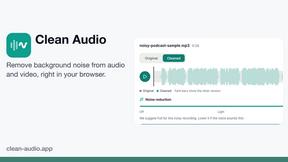
Clean Audio
Clean Audio removes background noise from voice recordings and video in your browser, with before-and-after comparison and local processing.
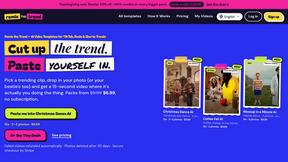
Remix the Trend
Turn photos into short AI videos with ready-made templates inspired by trends on TikTok, Reels, and Shorts.

TokClip
Generate short AI videos from photos using ready-made templates for TikTok and Reels trends, with no prompt writing or editing required.
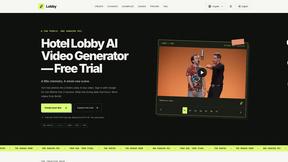
LobbyClip
LobbyClip turns two portraits into a short Hotel Lobby style video, with ready-made scenes for people and animal duos.
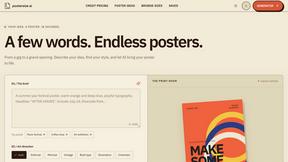
PosterSize
PosterSize helps users look up poster dimensions and generate draft artwork for print, social media, and presentation canvases.
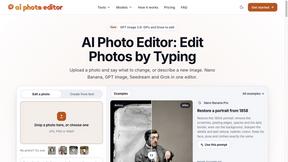
AI Photo Editor
Edit or generate images with plain-language prompts, focused photo tools and multiple AI models in a browser-based workflow.
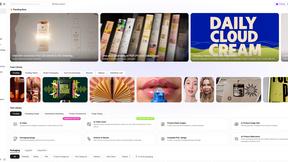
Rhinobird
Rhinobird creates product listing images, ad creatives and videos from product photos, with additional tools for packaging concepts and renders.

MyType FYI
Explore your visual preferences by choosing fictional adult portraits in a face quiz with free rounds and optional AI-generated creations.

VirtualTryOn
Use VirtualTryOn to compare clothing, accessory and hair ideas on your photo, with guidance on image choice and limits of visual previews.

Bicep Heart
Create a seven-second bicep-heart video from one adult photo, selecting a scene and optional lettering for the gesture.
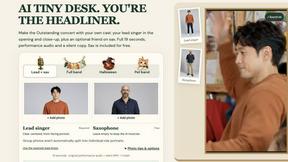
AI Tiny Desk
Make a 19-second AI concert from an adult portrait with selectable cast modes, original audio, and silent MP4 download.

Tiny Desk AI
Turn portraits into a 15-second vertical Outstanding Tiny Desk video, with roles for friends and AI-generated sound.

Tip Toeing in My Jordans AI
Create a 12-second Rumpelstiltskin tiptoe meme video from one or two photos, with vertical or widescreen formats and AI-generated sound.

Rumpelstiltskin AI
Rumpelstiltskin AI creates short, personalized fairytale dance clips from two photos, with templates for directing the scene.
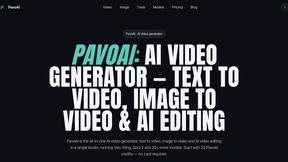
Pavo AI
Pavo AI creates short videos and images from text prompts, with four models and controls for duration, quality and aspect ratio.
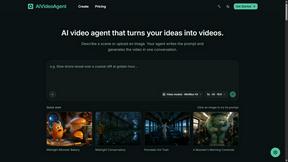
AIVideoAgent
Turn a scene idea or reference image into a video using an agent that writes prompts and works with multiple generation models.
About Seedream 5.0 AI Alternatives
For a workflow focused on still images, compare image generators by output resolution, editing controls and how they handle multiple subjects. If short motion is central, compare video tools by supported input types, clip duration and audio handling. This platform combines both in one credit-based service, so also compare how each workflow consumes credits.
FAQs about Seedream 5.0 AI Alternatives
What should I compare for image generation?
Look at maximum resolution, prompt controls, style options and whether you can edit uploaded images.
What should I compare for short video generation?
Check whether the tool accepts text, images or both, and compare clip length and audio support.