
Alternatives to RecordFlow
Explore the best alternatives and competitors to RecordFlow.
Explore 20 alternatives to RecordFlow. Compare features, pricing, and find the best fit for your needs.
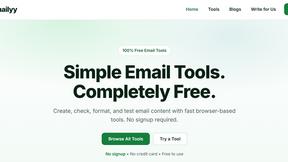
Emailyy
Free email tools for signatures, subject lines, HTML previews, word counts, and email headers. Browser-based, simple to use, and no signup required.

Uniclip
Clip pages, take full-page screenshots and batch-capture list data to Notion, Feishu, Obsidian, Markdown, CSV or JSON.
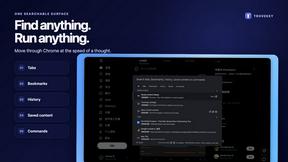
TroveKey
Search tabs, Chrome bookmarks and history, run browser commands, and save webpages and social posts locally—no account.

LightScreen
Free fullscreen light screen tool online. Turn any display into a flashlight, ambient light, or solid-color screen. No download or sign-up.
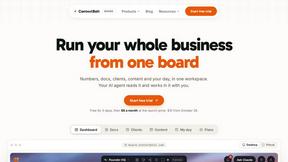
Context Board
Context Board brings your numbers, docs, clients, content and day into one workspace that Claude and Codex can read and update.

@fuck.it - email with attitude
Private email. Pure. Secure. Exclusive. No ads, no tracking, no data selling. GDPR compliant, EU-hosted.
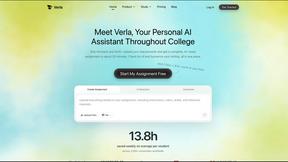
Verla AI
Verla is an AI academic assistant for university and college students, combining AI essay writing, academic research, AI detection, AI humanization
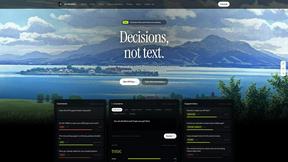
JevModel
Bilingual Jev decision workbench with original guides for structured, AI-assisted decisions.
Memorable Contact
Memorable Contact helps you remember people, save conversation details, find contacts using AI-powered search, and share digital business cards easily

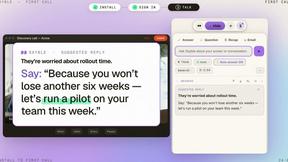
Sayble
AI copilot that tells you what to say next on live sales calls, then writes the recap and follow-up.
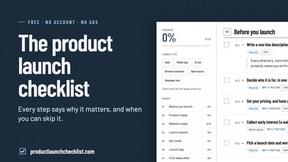
Product Launch Checklist
A free launch checklist for SaaS, apps, AI tools and more. Every step says why it matters and when you can skip it.
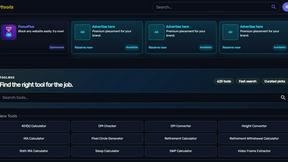
Kody Tools
Free collection of online developer utilities, code formatters, and digital converters designed to streamline your daily workflow.
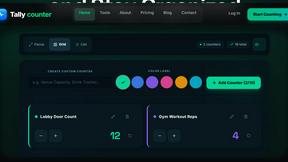
tally counter
Browser-based gamepad diagnostic tool for testing controller buttons, analog sticks, triggers, D-pad controls, and input detection.
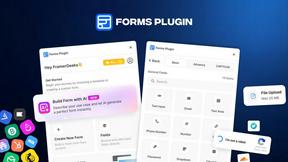
Forms Plugin
The #1 Native Form Builder Plugin for Framer - No Code, No Embeds, No External Platforms.


About RecordFlow Alternatives
RecordFlow is a specialized automation tool in the productivity and management category, designed to bridge the gap between Zoom’s cloud storage and Google Drive. It eliminates the manual chore of downloading meeting recordings by instantly archiving video, audio, transcripts, and chat logs to a user’s Drive the moment a meeting concludes, including a backfill of the past two years of data. Users often seek alternatives due to specific pricing thresholds, the need for broader platform compatibility beyond Google Drive, or a desire for more granular control over auto-delete schedules and storage destinations, such as supporting Dropbox, OneDrive, or local network drives. When evaluating an alternative, it is critical to assess the automation’s reliability with large file transfers, the security of authentication protocols, and whether the solution offers similar “set and forget” functionality without requiring ongoing manual intervention. The best alternative will also provide transparent data handling policies, ensuring recordings are never stored on intermediary servers and that encryption standards meet compliance needs for sensitive professional content.
FAQs about RecordFlow Alternatives
What is RecordFlow?
RecordFlow is an automation tool that automatically backs up Zoom cloud recordings to Google Drive the moment a meeting ends. It transfers video (MP4), audio (M4A), transcripts (VTT and a formatted Google Doc), and chat logs, organizing them by year and date. Setup takes approximately 60 seconds, requiring only a sign-in with Zoom and a connection to Google Drive, after which the syncing runs perpetually without further user action.
Who is RecordFlow for?
RecordFlow is built for professionals who rely heavily on Zoom recordings and cannot afford data loss, including coaches, consultants, therapists, professors, and small teams. These users typically need a hands-off solution to archive sensitive or important meeting content without manually downloading files or paying for unnecessary Zoom storage. The tool is designed for individuals and groups who want a reliable, automated backup system that requires no technical expertise to maintain.
Is RecordFlow free?
The provided content does not specify whether RecordFlow is free or paid, but it emphasizes a 60-second setup and a forget-it model. Pricing is not detailed in the product description, so users should consult the official RecordFlow website for current pricing tiers, free trial availability, and any storage or usage limits. The value proposition focuses on eliminating Zoom storage costs and manual labor rather than on a specific price point.
What are the main features of RecordFlow?
Key features include automatic archiving of every Zoom cloud recording to Google Drive within minutes of a meeting ending, plus a backfill of recordings from the past two years. It transfers all file types (MP4, M4A, VTT, chat logs) and creates a formatted Google Doc for transcripts. The tool offers optional auto-delete that removes recordings from Zoom on a safe delay after the Drive copy is verified, and it employs chunked transfers for large files, smart deduplication, and automatic retries. RecordFlow uses OAuth 2.0 and AES-256 encryption, and recordings stream directly to Drive without being stored on RecordFlow’s servers.