

QuickImg
QuickImg empowers you to create, enhance, and edit stunning images effortlessly using simple text commands.
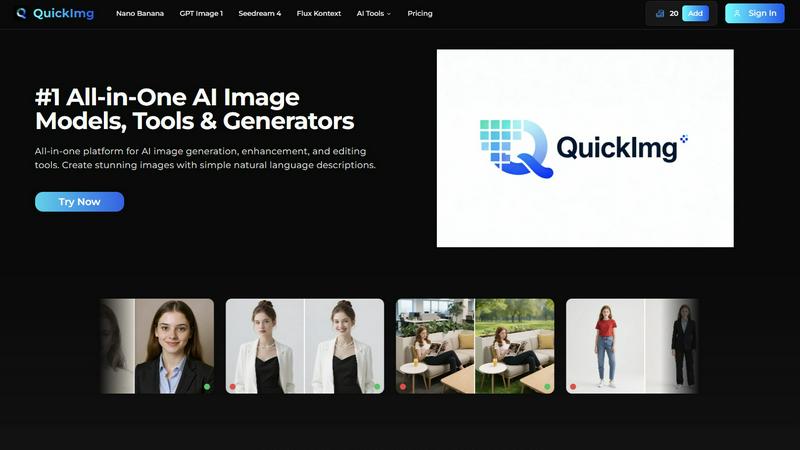
About QuickImg
QuickImg is an innovative platform that redefines the way users create, enhance, and edit images, bringing together various AI image tools into a cohesive and user-friendly environment. Designed for a wide audience, including marketing professionals, social media managers, artists, and small business owners, QuickImg enables users to produce high-quality visuals effortlessly. Its primary value proposition lies in unifying multiple advanced AI models, such as Nano Banana Pro, GPT Image 1, and Seedream 4, allowing users to transition seamlessly between image generation, enhancement, and editing without the need for complex prompts or technical knowledge. By harnessing the power of natural language descriptions, QuickImg democratizes the art of image creation, making it accessible to everyone, regardless of their technical skills. This multi-faceted approach not only enhances creativity but also saves time and costs, positioning QuickImg as an essential partner for any visual project in today’s digital landscape.
Features of QuickImg
User-Friendly AI Models
QuickImg offers a selection of advanced AI models like Nano Banana, GPT Image 1, and Seedream 4, enabling users to generate and edit images with ease. Users can simply describe their requirements in natural language, eliminating the need for technical expertise or intricate prompts. This accessibility opens the door for anyone to create stunning visuals.
Comprehensive Editing Tools
The platform provides a suite of powerful editing tools, including background removal, text cleanup, and image enhancement features. Users can modify their images easily by specifying desired changes in natural language, allowing them to achieve professional-quality edits without extensive training.
Ready-to-Use Templates
QuickImg includes a diverse collection of ready-to-use templates tailored for various scenarios, such as product marketing and social media content. These templates simplify the creative process, allowing users to start with professionally designed layouts and customize them to fit their needs.
Multi-Model Workflow
With QuickImg, users benefit from a unified workflow that integrates various AI models within a single platform. This eliminates the hassle of switching between different services, enhancing productivity and streamlining the creative process for all types of visual projects.
Use Cases of QuickImg
Marketing Content Creation
Marketing professionals can leverage QuickImg to generate eye-catching graphics for campaigns, social media posts, and advertisements. The ability to quickly create visuals from simple descriptions allows them to maintain a consistent brand presence while saving valuable time.
Artistic Inspiration
Artists seeking inspiration can use QuickImg to explore new ideas and concepts by generating unique images based on their descriptions. This feature opens up avenues for creativity, allowing artists to visualize concepts they may not have otherwise considered.
Small Business Branding
Small business owners can utilize QuickImg to produce high-quality images for their branding needs, such as logos, product photos, and promotional materials. The platform's affordability and ease of use make it an ideal solution for those with limited design budgets.
Enhanced Personal Projects
Individuals working on personal projects, such as photo albums or gifts, can benefit from QuickImg's image editing features. The platform allows users to customize their images in a straightforward manner, resulting in personalized creations that reflect their unique style.
Frequently Asked Questions
What types of images can I create with QuickImg?
Users can create a wide variety of images, including graphics for social media, marketing materials, artistic renderings, and more. The platform supports both image generation and editing, making it versatile for any visual project.
Do I need to have design experience to use QuickImg?
No, QuickImg is designed for users of all skill levels. Its intuitive interface and natural language processing capabilities allow anyone to create professional-quality images without prior design experience.
How does QuickImg ensure high-quality results?
QuickImg integrates cutting-edge AI models known for their superior image generation and editing capabilities. By providing access to advanced technology, users can achieve high-quality results with each project.
Can I access QuickImg on multiple devices?
Yes, QuickImg is a cloud-based platform, allowing users to access their projects and tools from any device with an internet connection. This flexibility ensures that you can work on your visual projects anytime, anywhere.
Explore more in this category:
Similar to QuickImg

Capafy AI
Agent Skills marketplace: discover expert AI agents, run them online, or publish a Skill and earn from every sale.

ColorBestie
AI color previews and marker color suggestions for coloring pages.

Video Text Remover
Video Text Remover — Erase Subtitles & Watermark from Video

AIPetGen
AIPetGen turns a photo of your dog, cat, or other pet, or a written description, into a new picture or a short animation.

Image to Layers AI
Turn any image into editable transparent PNG/PSD layers with AI

Memorable Contact
Memorable Contact helps you remember people, save conversation details, find contacts using AI-powered search, and share digital business cards easily

AI Object Remover
Remove unwanted objects, people, text and watermarks from photos with AI

Genjutsu AI
Genjutsu AI turns your ideas into cinematic videos, product ads, social shorts, and high-quality images in minutes. Built for TikTok & Reels.