

MindMap AI
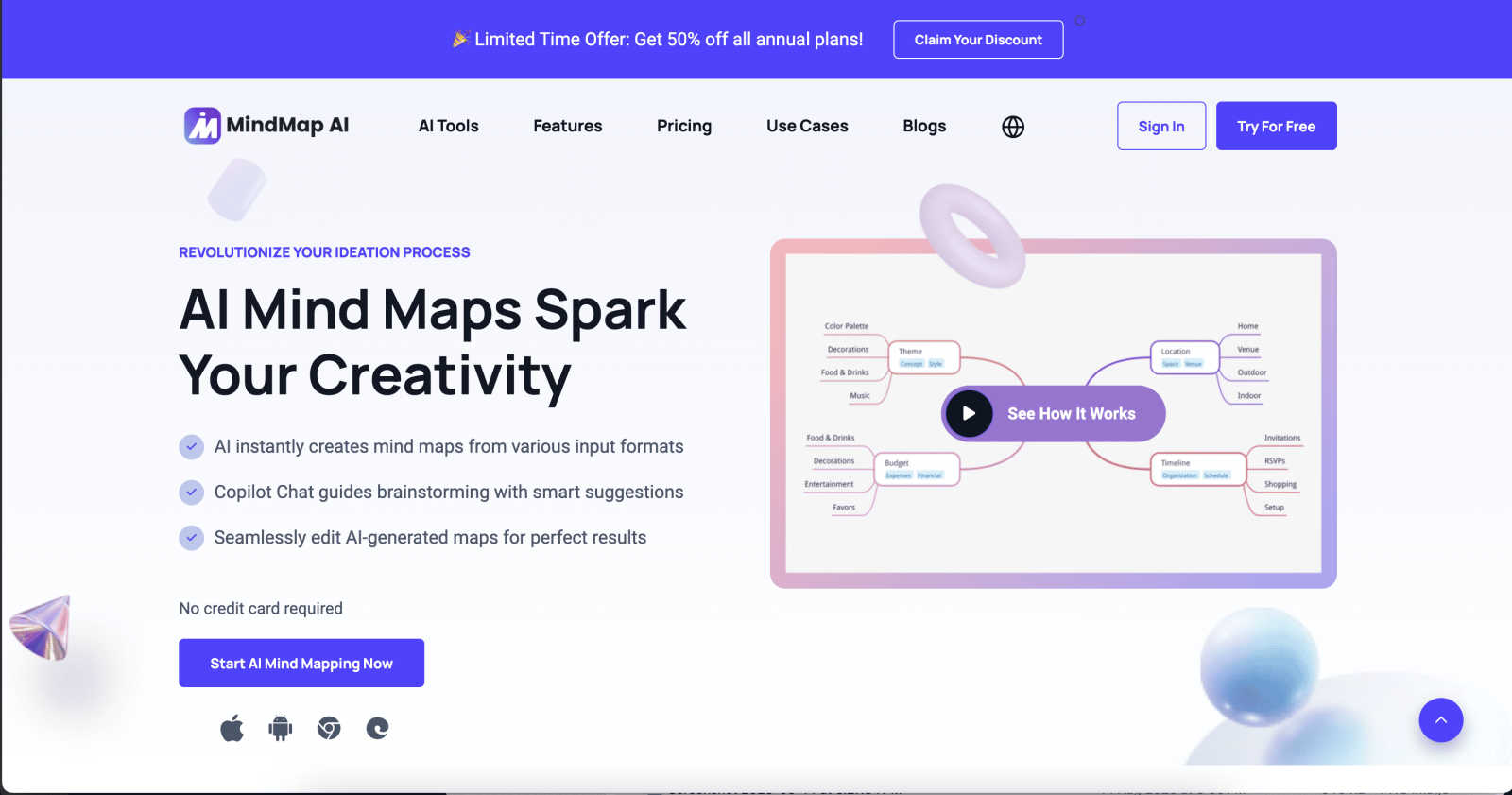
MindMap AI transforms your ideas into structured, editable mind maps, enabling clear thinking and seamless.
About MindMap AI
MindMap AI is a groundbreaking visual thinking and knowledge organization tool designed to cater to the needs of modern professionals and collaborative teams. This AI-powered mind mapping solution streamlines the often chaotic process of information synthesis, transforming input from various sources—such as text documents, PDFs, slides, images, and audio/video recordings—into structured, visually appealing mind maps in mere moments. Tailored for corporate productivity, MindMap AI not only automates the creation of mind maps but enhances the user experience through its Co-Pilot Chat feature, allowing users to engage interactively with their ideas. This facilitates a deeper exploration of concepts and strategic insights directly within the map. With its multi-platform accessibility and extensive export options, MindMap AI empowers organizations to convert complexity into clarity, enabling teams to align their thoughts and accelerate decision-making effectively.
Features of MindMap AI
AI Thinking Mode for Accuracy
MindMap AI employs a sophisticated step-by-step reasoning engine that comprehensively understands context, hierarchy, and relationships before generating mind maps. This ensures that each map is structured, meaningful, and accurate from the outset, avoiding the pitfalls of random branches and disorganized thoughts.
File-to-Map Conversion
With MindMap AI, users can effortlessly convert any form of content—including text, PDFs, images, audio, video, Markdown, or CSV—into clean, aesthetically pleasing mind maps. This feature eliminates the need for manual formatting, allowing users to focus on their ideas and planning.
Multi-Language Support
MindMap AI supports the creation and editing of mind maps in over 25 languages, maintaining both accuracy and structure. This ensures that users can collaborate and communicate effectively across linguistic barriers, without compromising layout or meaning.
Continuous Editing
The platform offers reliable AI co-editing capabilities, allowing users to build their mind maps as they prefer—either manually or with the assistance of AI. Users can expand, summarize, reorganize, and style their maps quickly, retaining full control over their creative process at all times.
Use Cases of MindMap AI
Brainstorming Sessions
MindMap AI is ideal for brainstorming sessions, where teams can collaboratively generate ideas and visualize connections in real time. The interactive nature of the platform fosters creativity and encourages participation from all team members.
Project Planning
Project managers can utilize MindMap AI to outline project goals, tasks, and timelines visually. This clarity facilitates better understanding among team members and helps ensure everyone is aligned with the project’s objectives.
Meeting Synthesis
After meetings, MindMap AI can be employed to synthesize discussions and decisions into coherent mind maps. This not only aids in retaining key points but also provides a visual reference for future discussions and follow-ups.
Research Analysis
Researchers can leverage MindMap AI to organize and analyze large data sets or complex topics. By converting extensive documents into structured mind maps, users can easily identify relationships and insights that may not be immediately apparent in traditional formats.
Frequently Asked Questions
How does MindMap AI ensure accuracy in mind maps?
MindMap AI uses a step-by-step reasoning engine that understands context, hierarchy, and relationships, ensuring each mind map is structured and accurate from the start.
Can I collaborate with others using MindMap AI?
Yes, MindMap AI allows for co-editing, enabling multiple users to collaborate on mind maps in real time, enhancing team productivity and creativity.
What types of content can I convert into mind maps?
You can transform a wide variety of content types into mind maps, including text documents, PDFs, images, audio recordings, videos, Markdown files, and CSVs.
Is MindMap AI available in multiple languages?
Absolutely, MindMap AI supports the creation and editing of mind maps in over 25 different languages, making it a versatile tool for global teams and diverse work environments.
Explore more in this category:
Similar to MindMap AI

sorry text repeater
Say sorry 100, 1,000, or 10,000 times — free apology text generator with emojis and custom layouts.


PerPageFax
PerPageFax lets you send a fax online from any browser for a flat $0.50 per page — no account, no subscription, no fax machine.

OctoWatch DLP
Track staff & time. Free trial. Cloud/on-prem.

Fill PDF from Sheet
Fill PDF from Sheet automates the process of populating PDF forms from data in Excel, CSV, or Google Sheets.

linkwise.link
AI finds your lost links. Summarizes & tags URLs.

Glanced
Follow news, blogs, newsletters, and podcasts in a free RSS reader, with AI summaries, top stories, full-text search, saved searches, and a catalog.